Does the Destination RV work with Verizon, AT&T, T-Mobile, and all U.S. carriers?
Yes, the Destination RV works with all U.S. carriers including Verizon, AT&T, T-Mobile, Sprint, and US Cellular, plus more than 90 regional carriers. The booster amplifies all cellular frequencies from 4G LTE through 5G on all devices simultaneously, so everyone in your RV gets better signal regardless of their carrier. You don't need to configure anything for specific carriers—it automatically boosts whatever signal your outside directional antenna receives from nearby cell towers.
How does the Destination RV cell signal booster work in my RV or trailer?
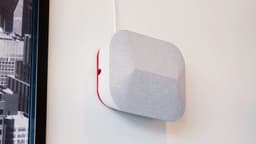
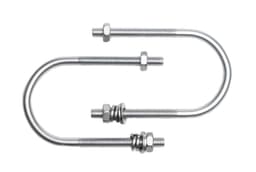
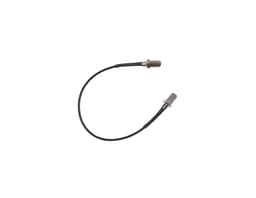
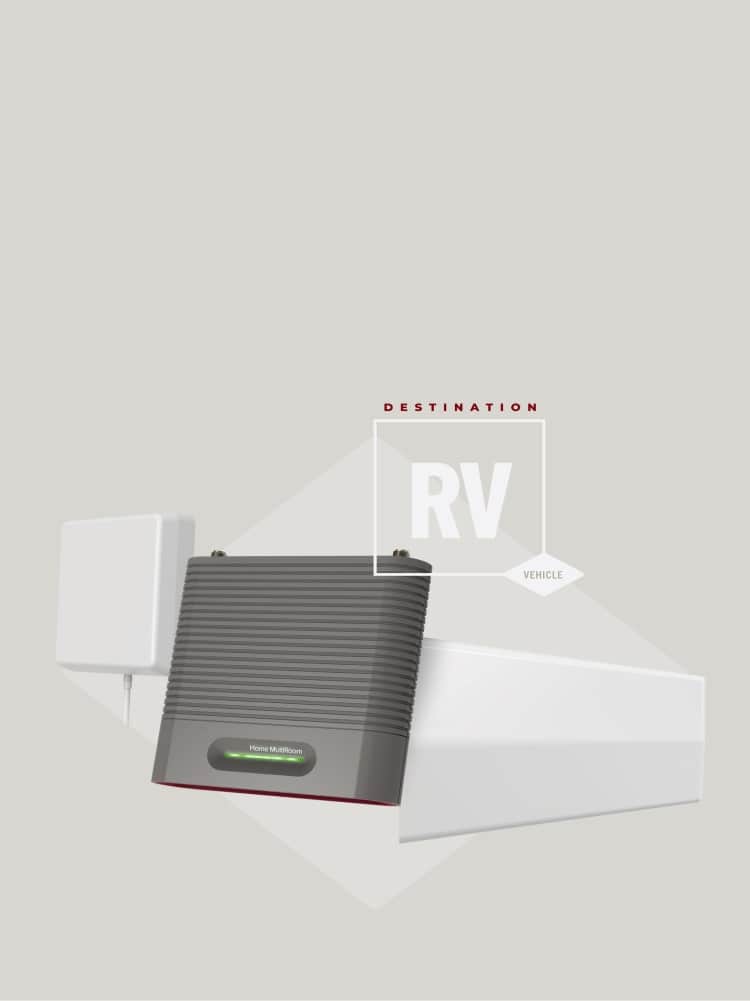
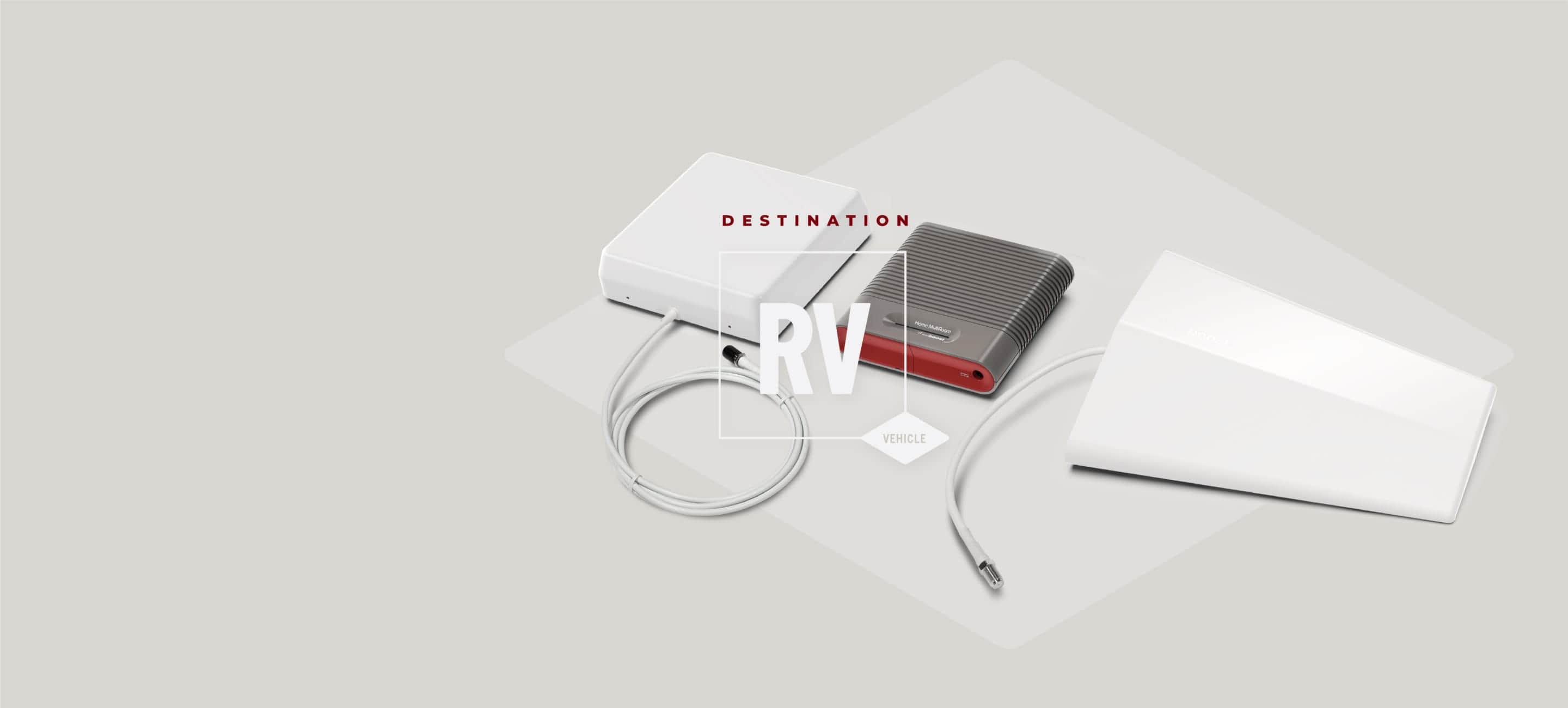
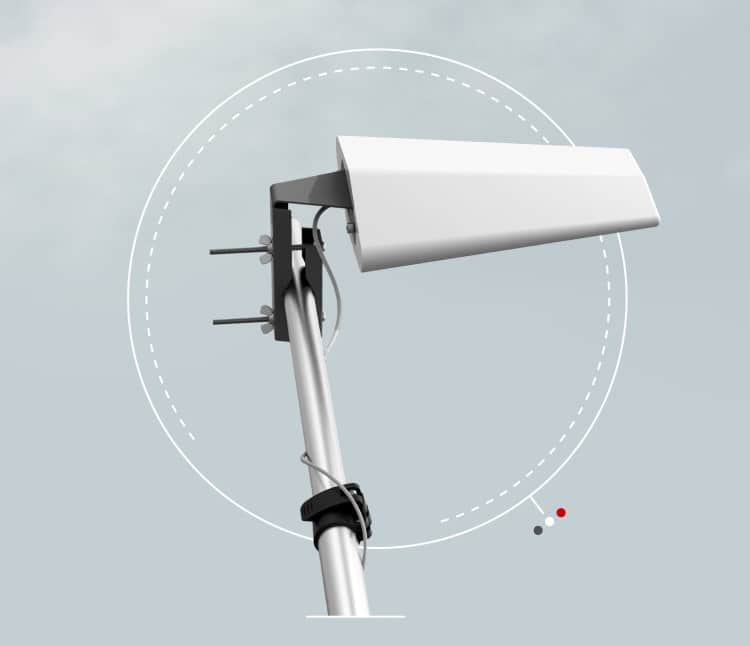
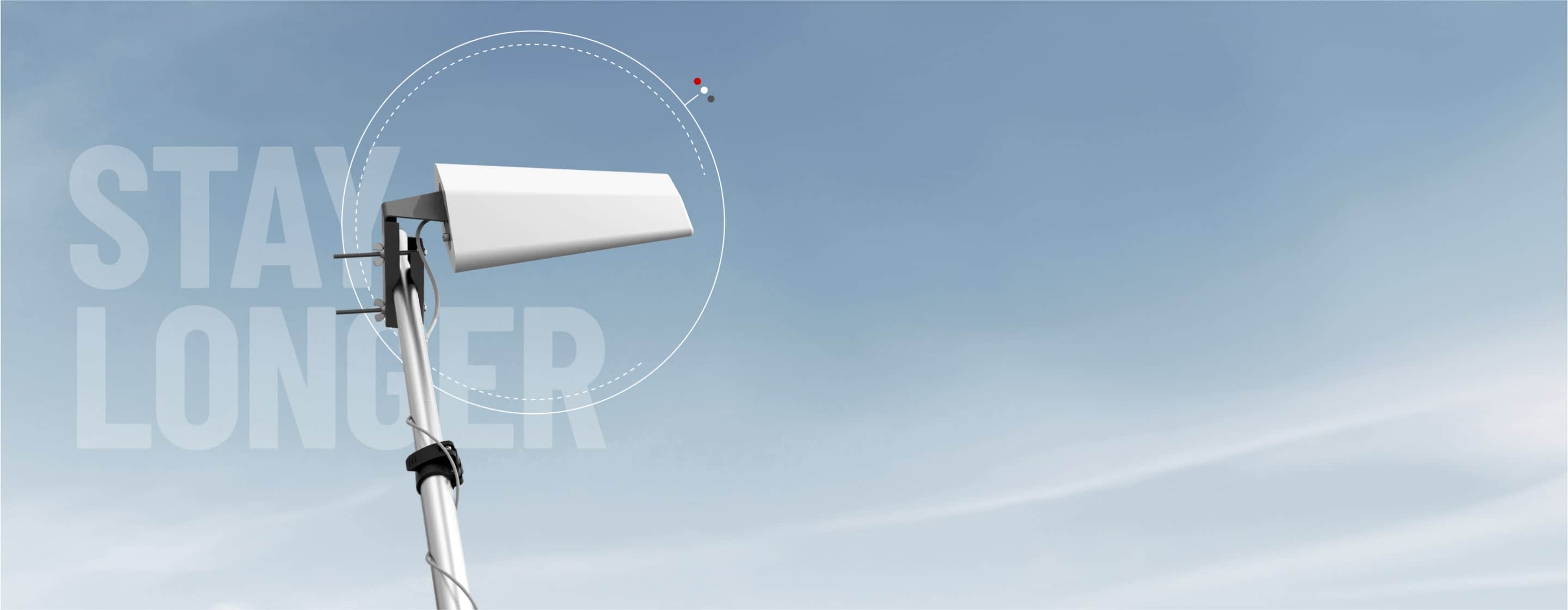
The Destination RV uses a three-part system to amplify weak cellular signal. The outside directional antenna mounts on the included 24-foot telescoping pole and communicates with nearby cell towers. The booster unit receives that signal through a 30-foot cable, amplifies it up to 65 dB, then broadcasts it through the inside panel antenna throughout your RV. Most users see signal improvements from 1-2 bars to 3-5 bars, though results vary based on how much existing signal is available and your distance from cell towers. The booster works with all cellular-enabled devices simultaneously—phones, tablets, hotspots, and laptops.
How much signal improvement can I realistically expect from the Destination RV?
Most users experience a 1-3 bar improvement in signal strength, which typically translates to better call quality, faster data speeds, and more reliable streaming. The booster amplifies existing signal but cannot create signal where none exists—you need at least some signal for the booster to work. Results vary depending on how many towers your carrier has in your region, your location's terrain, and how well you've aimed the directional antenna toward the nearest tower. Use the free weBoost app to measure signal strength in decibels for accurate before-and-after readings rather than relying on phone signal bars, which are just estimates.
Can I use the Destination RV with Starlink, or should I choose one over the other?
The Destination RV and Starlink serve different connectivity needs and actually complement each other well. The Destination RV is a one-time purchase that amplifies cellular signal for phone calls, texts, and mobile data, working even in cloudy or stormy weather without monthly fees. Starlink is satellite internet requiring monthly subscription fees and needs a clear view of the sky to function properly—weather and obstructions can interrupt service. Many RVers use both: Starlink for high-speed internet when parked with clear sky access, and the Destination RV for reliable cellular connectivity anywhere with even weak tower signal. If you're budget-conscious, the Destination RV's one-time cost means no recurring bills, while Starlink requires ongoing monthly payments.
Why does my Destination RV booster light turn red, and how do I fix it?
A solid red light means the booster detected oscillation (a feedback loop between the outside and inside antennas) and automatically shut off that band to protect nearby cell towers. This happens when the inside and outside antennas are too close together or pointing toward each other. To fix it, unplug the booster, increase the distance between antennas (aim for 20+ feet vertical separation), make sure they point away from each other, and tighten all cable connections finger-tight. Then plug the power back in and wait for the green light. If you see blinking green and red lights, the booster has reduced power to prevent oscillation but is still working—you may still get usable signal.
Will the Destination RV work if I have zero bars or no signal at my location?
While the Destination RV cannot create signal in complete dead zones where absolutely no tower signal exists, it can take even the faintest signal—signal you might not even see on your phone's bars—amplify it, and clean it up for high-quality phone calls and cellular service. We can work with extremely weak signal that your phone alone cannot use. Before purchasing, test your location by walking around your campsite to find any signal at all—if you can occasionally get even a flicker of one bar anywhere nearby, the directional antenna mounted on the 24-foot pole may be able to reach and amplify that signal into usable service. The free weBoost app can help you locate the nearest cell tower and measure actual signal strength in decibels before installation.
How difficult is the Destination RV installation, and how long does it take?
Initial installation typically takes 30-45 minutes for a first-time setup, then about 10 minutes for each subsequent takedown and setup. The most challenging part is extending and positioning the 24-foot telescoping pole—some solo travelers find this difficult without assistance. You'll mount the outside antenna on the pole, route the 30-foot cable into your RV (through a slide-out gasket or window), mount the booster unit inside a cabinet, position the inside antenna at least 20 feet away from the outside antenna, and connect the power supply. The adhesive wall mounts must cure for 20 minutes after attachment. Fine-tuning the directional antenna angle toward the nearest cell tower can take additional time but significantly improves performance.
How far does the inside antenna broadcast signal throughout my RV or trailer?
The inside panel antenna effectively covers most standard RVs, toy haulers, and trailers when centrally mounted, but signal strength is strongest within 10-15 feet of the antenna. For larger RVs (35+ feet), you may need to position yourself closer to the inside antenna for optimal performance, especially for demanding tasks like video calls or streaming. The closer you are to the inside antenna, the stronger the signal will be for your phone or device. The booster works for multiple users and devices simultaneously, though performance is best when devices are within direct line-of-sight of the inside antenna. If you have a very large RV and need extended coverage, contact weBoost about compatible upgrade antennas with broader range.