Does the Drive Reach work with Verizon, AT&T, T-Mobile, and all U.S. carriers?
Yes, the Drive Reach works simultaneously with all U.S. carriers including Verizon, AT&T, T-Mobile, Sprint, and US Cellular, plus over 90 regional carriers. It boosts signal for multiple devices at once (iPhones, Android smartphones, tablets, and mobile hotspots) without needing any apps or special setup on your phone. The booster amplifies all available network speeds including 4G LTE and 5G, improving talk, text, and high-speed internet throughout your car, truck, van, or SUV.
How does the Drive Reach cell phone signal booster work?
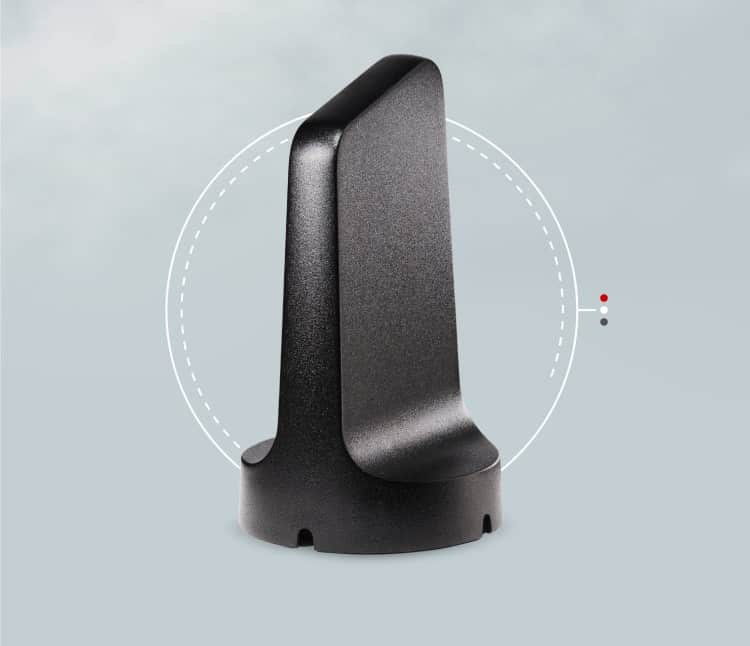
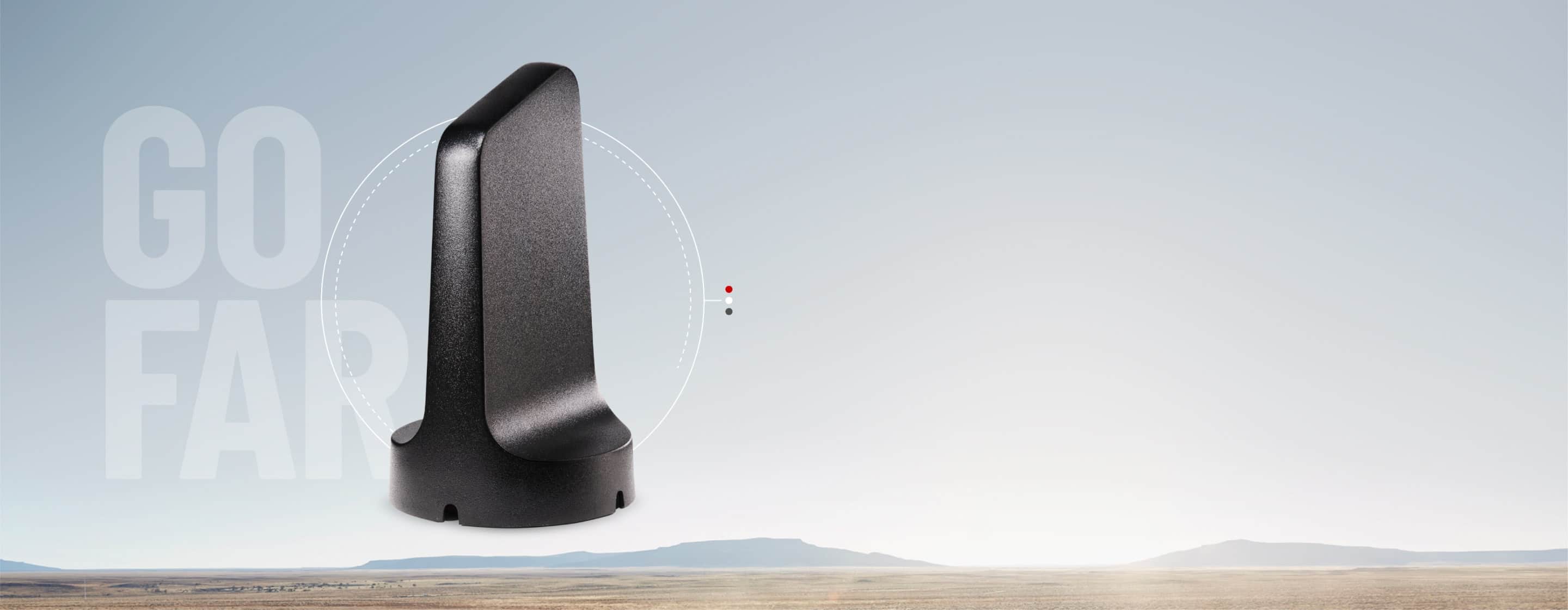
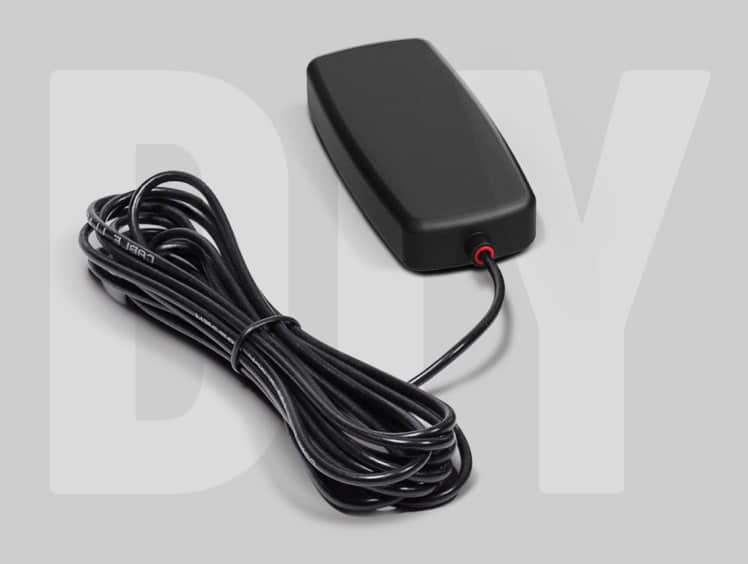
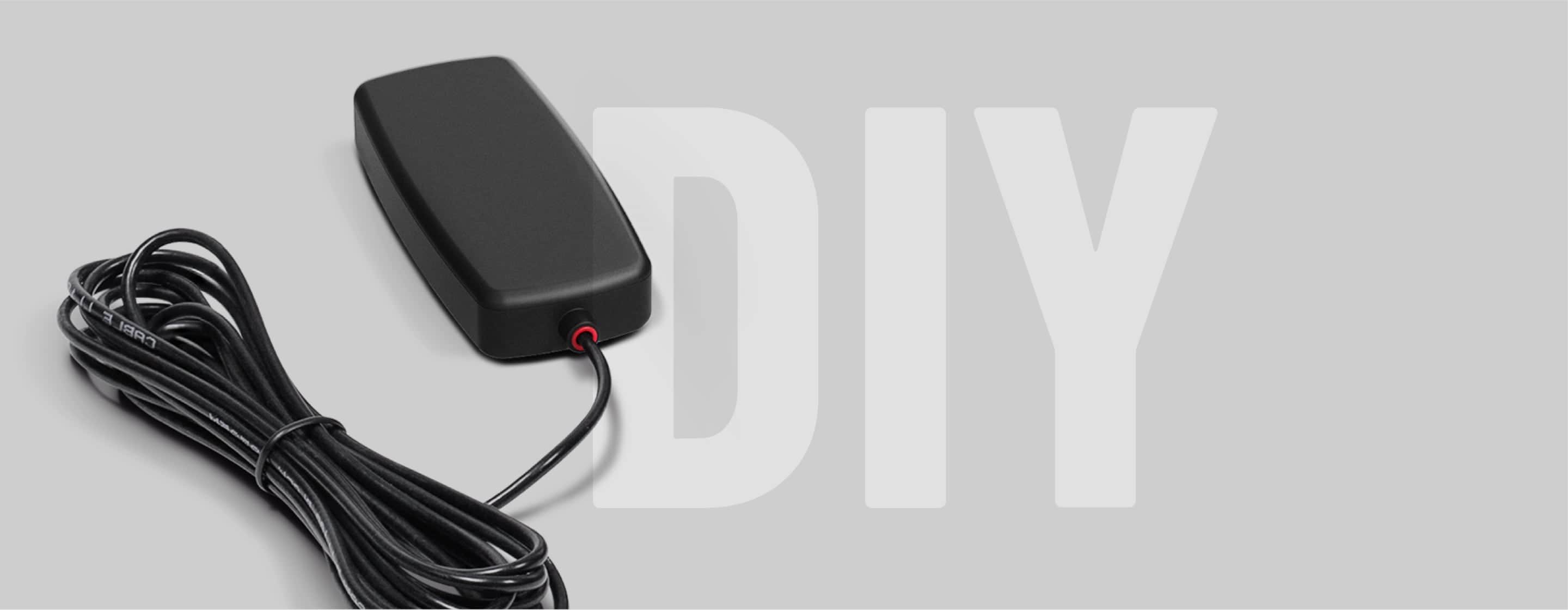
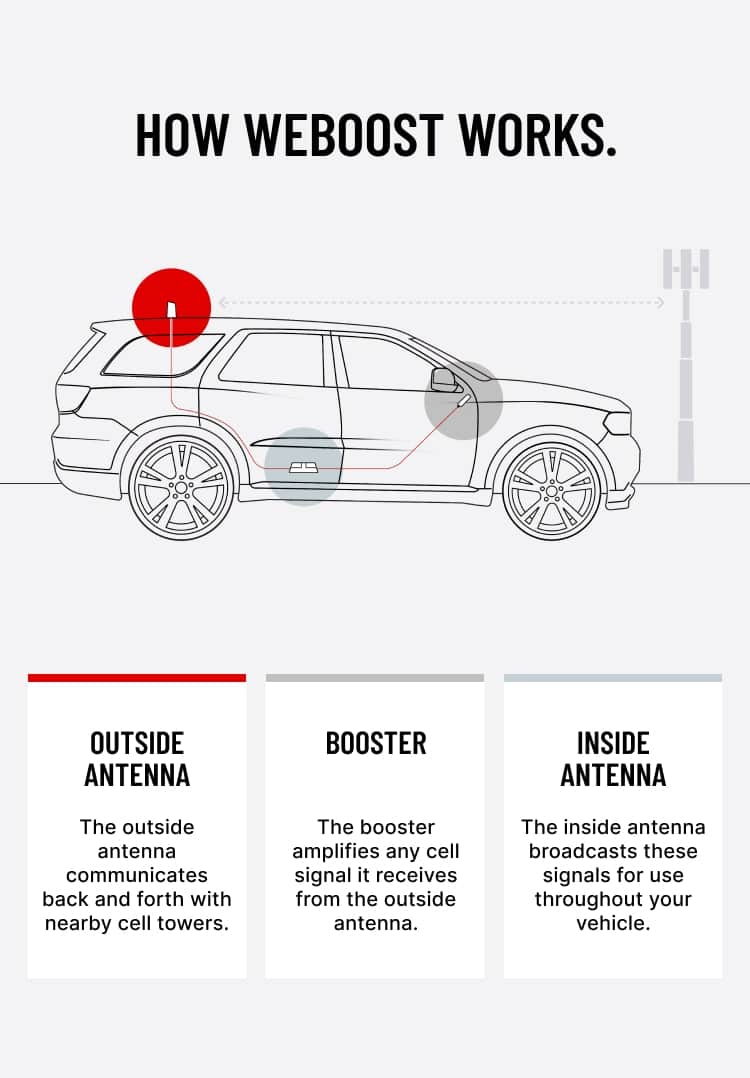
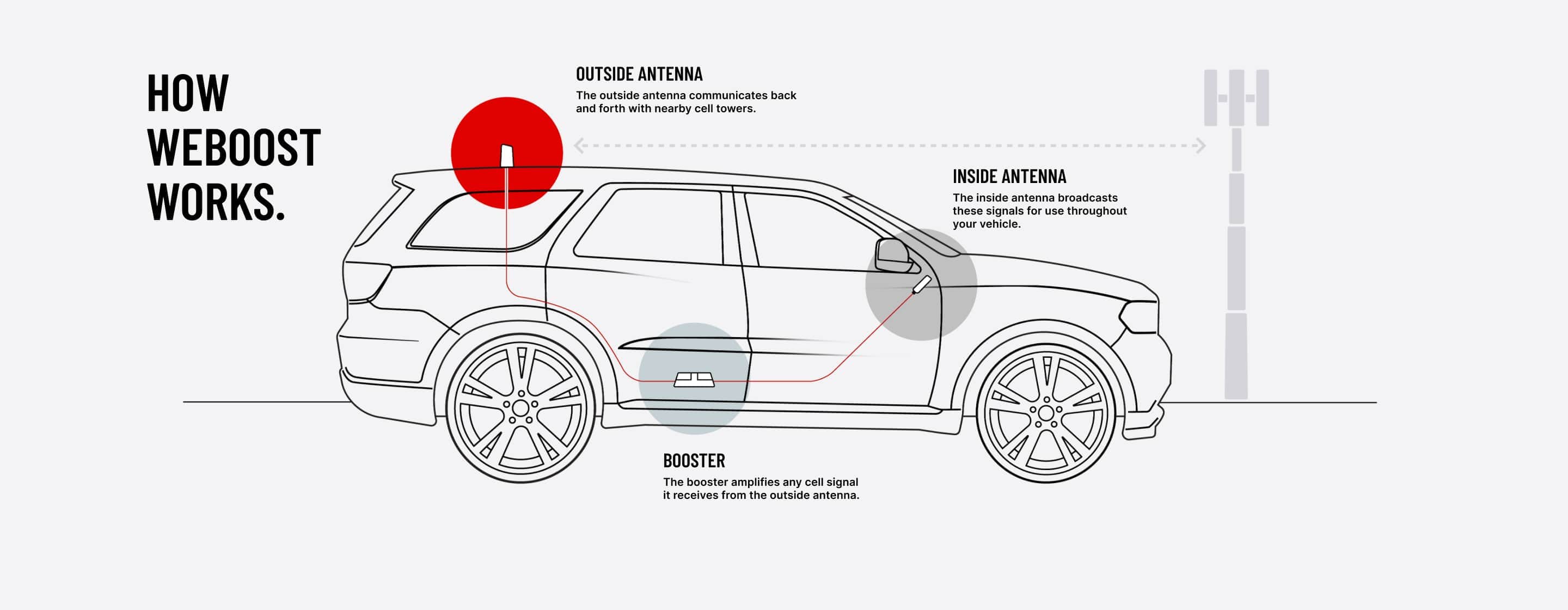
The Drive Reach uses three components working together to strengthen your cellular connection. The outside antenna on your roof captures weak signal from distant cell towers and sends it through a cable to the booster unit mounted inside your vehicle. The booster amplifies that signal up to 50 dB (giving you up to 2X farther reach from towers) and broadcasts it through the inside antenna to your devices within the vehicle. Your phone then communicates back through the same system to the tower, creating a two-way bridge that reduces dropped calls, improves voice quality, and increases data speeds.
How much signal improvement can I realistically expect with the Drive Reach?
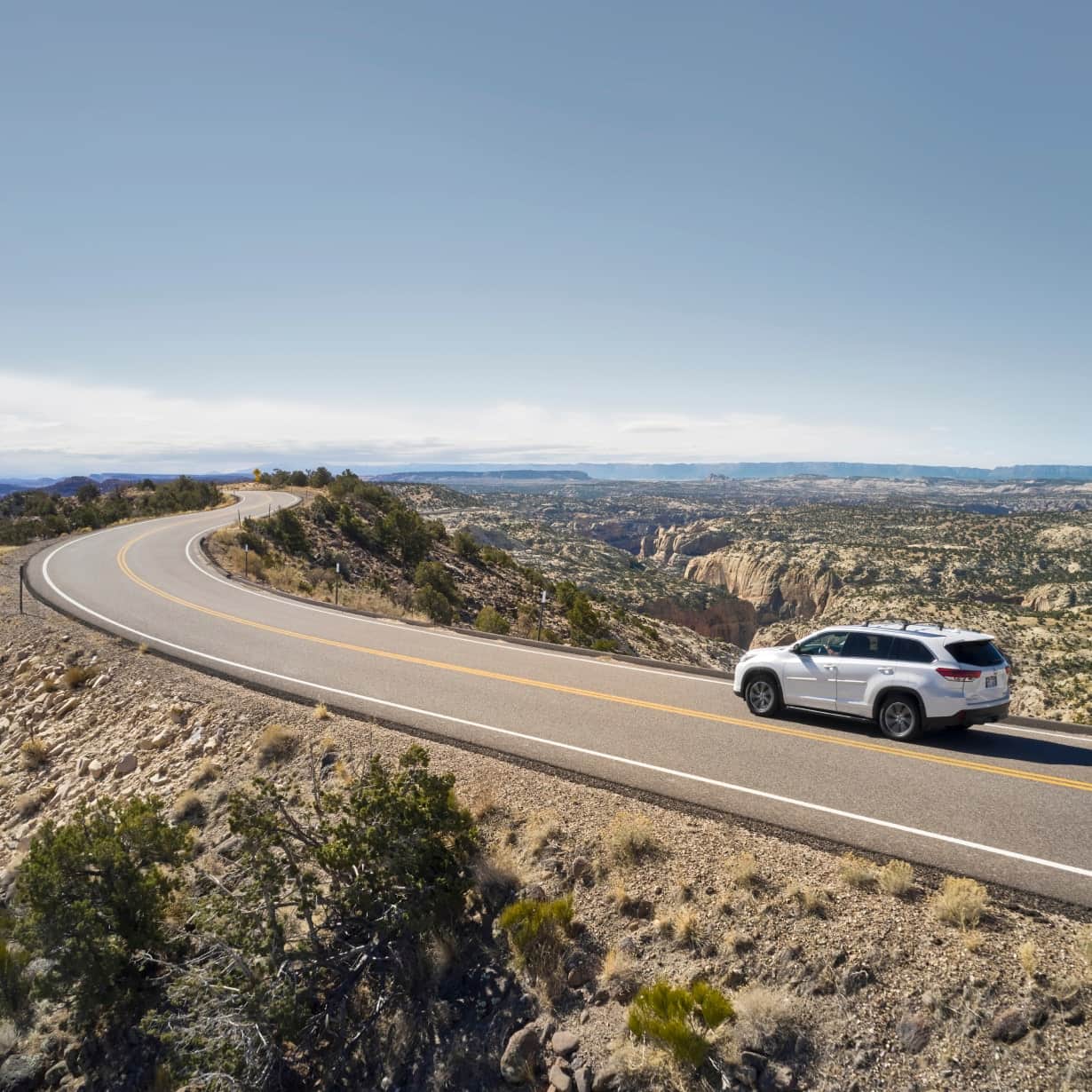
Most users see 1-2 bars of improvement, though actual results vary significantly based on how many towers you carrier has in that region and starting signal strength. The Drive Reach amplifies existing signal but cannot create signal in complete dead zones where no towers are accessible. Customers report the most noticeable improvement in weak signal areas like rural highways, forests, and mountainous terrain where some signal exists but calls frequently drop. For measuring actual performance, use the free weBoost app to check signal strength in decibels before and after installation (no purchase required). Remember that signal bars are estimates—the app provides accurate measurements to verify improvement in your specific locations.
Does the Drive Reach work with Starlink satellite internet or other satellite services?
The Drive Reach is a cellular signal booster that only amplifies signals from cell towers operated by carriers like Verizon, AT&T, and T-Mobile—it does not boost or interact with satellite internet services like Starlink, HughesNet, or Viasat. These are completely different technologies that solve different connectivity problems. The Drive Reach works in any weather conditions including heavy rain, snow, and dense tree coverage, requires no monthly fees after your one-time purchase, and relies on existing cell tower infrastructure. Starlink provides satellite internet requiring a dish, clear sky view, and monthly subscription fees. Both can work together in your vehicle—Starlink delivers high-speed internet while the Drive Reach ensures reliable cell phone connectivity for calls, texts, and mobile data in areas with weak cellular signal.
Why does my Drive Reach indicator light turn red or blink red, and how do I fix it?
A solid red or blinking red light means the booster has detected oscillation (a feedback loop caused when the inside and outside antennas are too close together). This built-in safety feature automatically reduces power or shuts off affected bands to prevent interference with cell towers. To fix this, unplug the booster, increase the physical distance between your roof-mounted outside antenna and the inside antenna on your dash—aim for maximum separation across the vehicle. Then reconnect power and wait for the light to turn solid green. If the red light persists, try relocating the inside antenna further toward the front of the vehicle or adjusting the outside antenna position to create more separation.
Will the Drive Reach work in complete dead zones where I have zero bars?
The Drive Reach cannot create signal where absolutely none exists—it amplifies existing weak signal from nearby towers. If you're in a true dead zone with zero coverage from all carriers (such as deep valleys with no line-of-sight to towers or areas 50+ miles from the nearest tower), the booster won't provide connectivity. However, many areas people consider "dead zones" actually have weak signal that causes dropped calls, and the Drive Reach excels in these situations. customers report that areas they once considered “dead zones” now have usable signal after installation, while others in true dead zones—many miles from the nearest tower—still see limited performance. Use the free weBoost app to measure if any signal exists in your problem areas before purchasing—even a very weak signal can be amplified effectively.
Is installation difficult, and what are the most common setup mistakes to avoid?
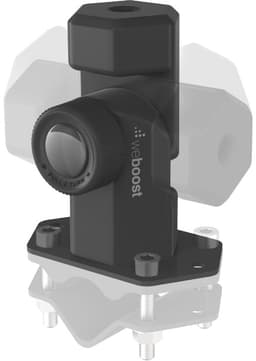
The Drive Reach features tool-free installation that takes 15-20 minutes, but following directions exactly is critical for proper function. Mount the magnetic outside antenna on your vehicle's roof (use the included adhesive disk for aluminum roofs), route the cable through a door jamb, mount the inside antenna on your dash using Velcro strips, secure the booster under or behind a seat, and plug into your 12V outlet. The most common mistake is placing antennas too close together, causing signal interference and red lights. Ensure the outside and inside antennas are separated by the maximum distance your vehicle allows.
The Drive Reach costs $499.99, is it worth the investment compared to cheaper boosters?
The Drive Reach is weBoost's most powerful vehicle booster with 50 dB gain and increased uplink power, providing 2X farther reach from towers compared to standard models. As the company that invented cell phone signal booster technology over 20 years ago, weBoost remains the industry leader—you're investing in the original innovators who literally created this product category. Whether it justifies the $499.99 price depends on your specific situation and expectations. Customers in rural areas in the U.S. who frequently experience dropped calls report the cost is "truly justified once you see the difference," while those with only occasional weak signal or existing strong city coverage question the value. The booster includes a 30-day money-back guarantee, allowing you to test it in your actual driving conditions—highway commutes, rural routes, remote work sites—before fully committing.
How hot does the Drive Reach get during operation, and is this normal?
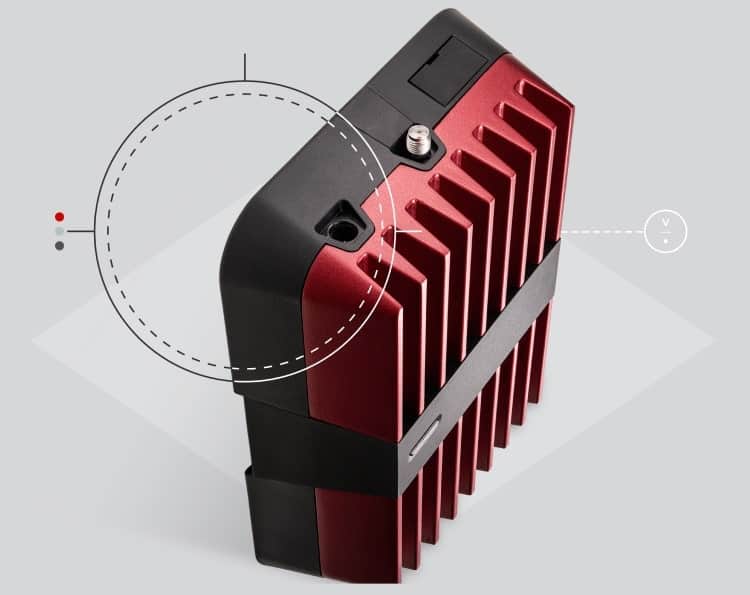
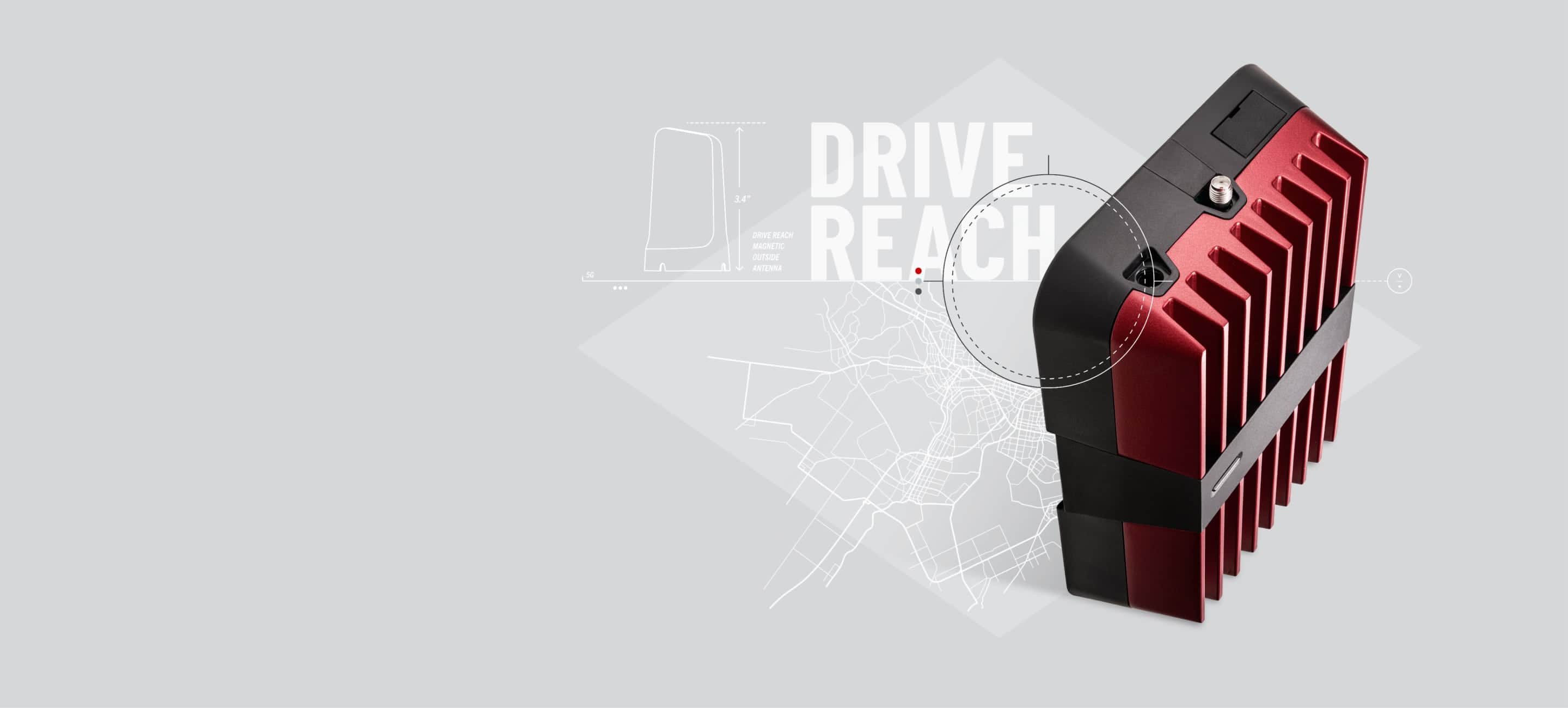
The Drive Reach booster generates some heat during operation due to the amplification process, and it's normal for the unit to feel warm to the touch. To ensure optimal performance and prevent overheating, proper installation with adequate airflow is essential. Mount the booster under or behind a seat where air can circulate freely around the metallic red fin design, which is specifically engineered to dissipate heat through increased surface area. Avoid placing it in enclosed spaces, under heavy blankets, or against carpet padding that traps heat and restricts airflow. Proper ventilation keeps the unit operating at normal temperatures during use. If your unit ever becomes uncomfortably hot to touch or if you notice any unusual odors, unplug it immediately and contact weBoost customer support at 1-866-294-1660.